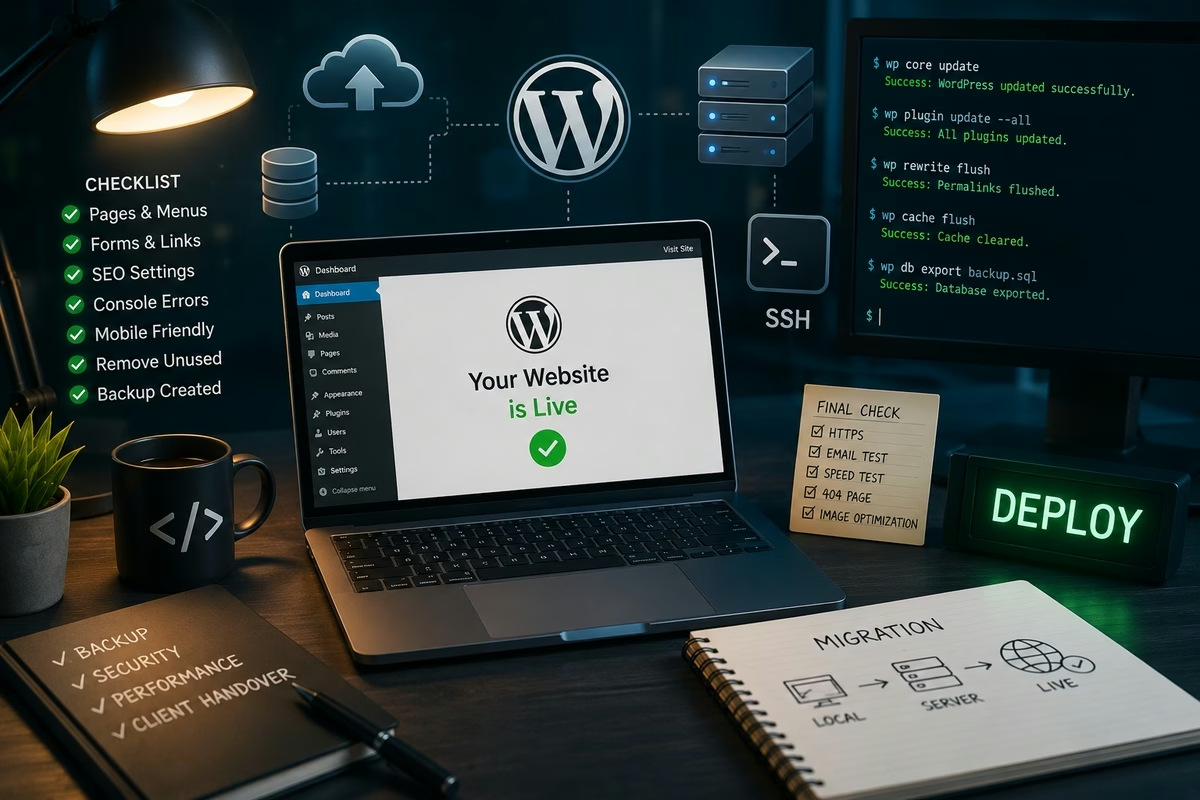
WordPress website development does not end when all pages and features are completed. There is still an equally important stage ahead: moving the project to production, configuring the hosting environment, testing the website on the real domain, optimizing images, making final adjustments, and delivering the finished result to the client.
At this stage, attention to detail and a consistent process are especially important. Even a well-tested local website may behave differently after migration: URLs change, PHP versions may differ, file permissions, server configuration, caching, and email delivery settings can all affect the final result.
During the final stage of the project, Codex once again worked as a second developer. It helped perform technical operations over SSH, identify the causes of post-migration issues, make code changes, work with images, and resolve client feedback more quickly.
Preparing the Website for Production
Before migrating the website, it is important to make sure that the local version is actually ready for publication. At this stage, I reviewed the main pages, menus, forms, responsive behavior, and WordPress functionality once again.
I paid particular attention to details that are easy to overlook:
- checking for any remaining test content or placeholder images;
- making sure all buttons and links work correctly;
- checking page titles and meta descriptions;
- checking the browser console for errors;
- verifying correct display on smartphones;
- removing temporary accounts and unnecessary plugins;
- creating an up-to-date backup.
Codex helped organize this verification process. Instead of relying only on manual browsing, it is possible to create a clear checklist and systematically review the entire website. If the project already includes automated tests, they should also be run before migration.
Configuring Hosting via SSH
I used SSH to work with the production server. It provides significantly more flexibility than a standard file manager inside a hosting control panel.
Using SSH, you can:
- inspect the directory structure;
- upload or extract website files;
- configure file permissions;
- check PHP and other server component versions;
- run WP-CLI commands;
- work with the database;
- review error logs;
- clear caches;
- quickly create backups.
Codex helped create and verify commands, analyze server responses, and identify the causes of errors. This is especially useful when a problem appears only in the hosting environment.
Working with production requires caution. Before making changes, I checked the current directory, created a backup, and made sure that the command would not affect unrelated files. Codex can speed up the process, but the final decision to execute a potentially dangerous operation remains with the developer.
Migrating the WordPress Website
The migration process consisted of several steps:
- Preparing the domain and hosting directory.
- Uploading the WordPress files.
- Creating the database and database user.
- Importing the local database.
- Configuring
wp-config.php. - Replacing local URLs with the production domain.
- Checking permalinks.
- Configuring HTTPS.
- Clearing the cache.
- Testing the website again.
Replacing URLs in the WordPress database requires particular attention. A simple search-and-replace operation can damage serialized data, so it is better to use tools that understand WordPress data structures, such as WP-CLI.
Codex helped keep the migration process organized and respond quickly when styles disappeared after migration, individual pages stopped opening, or WordPress continued referencing the local domain.
Testing the Website on the Production Server
Successfully opening the homepage does not mean that the migration is complete. After launch, the entire main user journey should be tested.
I tested:
- the homepage and internal sections;
- navigation and the mobile menu;
- contact forms;
- email delivery;
- search functionality;
- the 404 page;
- image uploads;
- authentication in the WordPress admin area;
- website operation over HTTPS;
- display across different screen sizes.
I also checked the PHP and web server logs. Some problems may not yet be visible to visitors but may already appear in the logs. Codex helped analyze these messages, locate the related files, and suggest specific fixes.
Final Image Work
During the final stage, it often becomes clear that some photos need to be replaced, cropped, or additionally prepared for the website. Images have a significant impact on the first impression of the finished project.
In one such task, the photo used in the first slide of the homepage needed subtle retouching: removing small skin imperfections, unwanted moles, and stray hairs while preserving the facial features, body shape, clothing, lighting, colors, and overall composition.
Codex helped organize the entire process:
- locate the file actually used in the slider;
- save the original version separately;
- prepare a precise retouching task;
- check the image dimensions and format;
- optimize the finished image for the web;
- replace the image on the website;
- verify the final result on the homepage.
Image quality is not the only important factor here. An excessively large image can slow down the loading of the first screen, so after processing it is important to find the right balance between image detail and file size.
Handing the Website Over to the Client
Once the technical review is complete, the website needs to be prepared for handover. The client should receive not just a link, but a clear and manageable product.
For the handover, I prepared:
- a separate administrator account;
- an up-to-date backup;
- hosting and domain access details;
- short instructions for editing the main website content;
- guidance on updating WordPress and plugins;
- a list of installed components;
- recommendations for backups and security.
Passwords should be shared securely rather than stored in a regular document or sent together with all other access credentials in a single message.
Codex can also help prepare documentation for a specific website: explaining how to change banners, add posts, edit pages, work with images, and restore the website from a backup.
Revisions After the Client Presentation
Even when a website fully matches the technical specification, additional requests almost always appear after the first demonstration. Once the client sees the project on the real domain and uses it like a regular visitor, they begin to notice details that are difficult to evaluate from a design mockup.
These may include small changes such as:
- shortening a heading;
- replacing a photograph;
- moving a button;
- increasing spacing;
- changing text inside a form;
- fixing the mobile layout;
- adding a new link;
- hiding an unnecessary section.
The key is to turn the client's messages into clear technical tasks. Codex helped locate the required templates, styles, and settings, as well as assess whether a particular change could affect other parts of the website.
After each group of changes, I tested not only the modified element but also related pages. For example, changing a global button style can affect the entire website, while replacing an image can influence both page loading speed and the appearance of the mobile version.
Codex Does Not Replace Final Review
During the final stage, Codex is particularly useful as a technical partner. It can quickly analyze files, assist with server operations, locate related sections of code, prepare commands, and speed up repetitive changes.
Production environments still require responsible oversight. The developer must understand exactly what is being changed, maintain a backup, and verify the result in a real browser. This is especially important when working with SSH commands, databases, file permissions, and server configuration.
The best results come when Codex acts as a second developer, while the human developer remains responsible for architectural decisions, security, visual quality, and final approval.
Conclusion
The final stage of a WordPress project is much more than simply clicking the “Publish” button. It includes hosting configuration, website migration, SSH operations, production testing, image optimization, access handover, and implementing the client's final requests.
Codex helped make this process faster and more structured. It proved useful not only while developing functionality, but also during the part of the work where the project needs to be carefully brought to a fully finished state.
Only after this stage can the website truly be considered complete: it is running on the real domain, tested across different devices, easy for the client to manage, and ready for ongoing use.