Mac mini, Ubuntu, and Codex: How I Set Up an Online Store Development Environment in a Few Hours
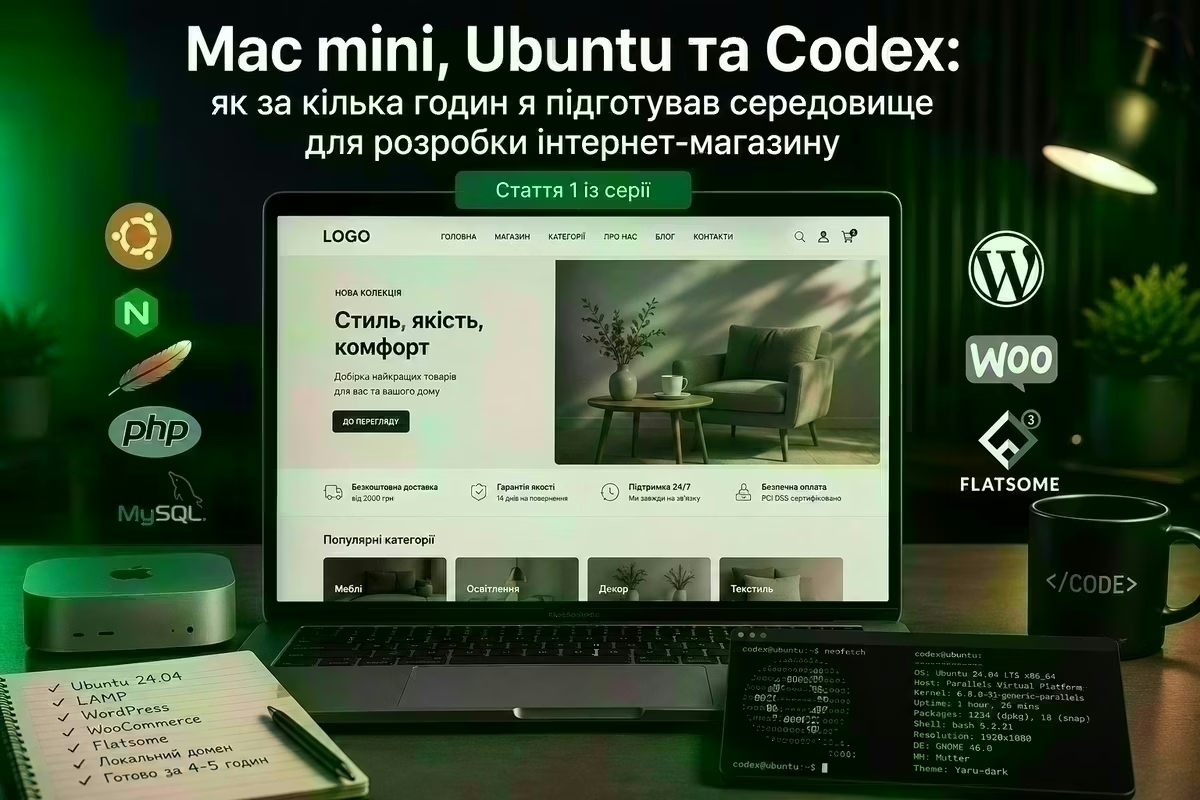
This is the first article in a four-part series about developing a real online store with Codex. In this series, I want to show not a theoretical experiment or a demo project created specifically for an article. This is a real online store that I am developing for an actual client. The articles will include real examples, screenshots of the development environment, examples of working with Codex, technical decisions, problems that arose during development, and ways to solve them. At the same time, I deliberately will not publish the name of the store or a direct link to it. This is a real commercial project, so for reasons of professional ethics and security, some information will remain private. My goal is different — to show the development process itself and how dramatically it changes when Codex is used not simply to generate individual pieces of code, but as a permanent technical tool throughout the entire project lifecycle.

Article Series
1. Mac mini, Ubuntu, and Codex: How I Set Up an Online Store Development Environment in Just a Few Hours
You are reading this article. We are starting practically from scratch: Mac mini M4, Parallels, a separate Ubuntu 24.04 environment, LAMP, a local domain, WordPress, WooCommerce, and Flatsome. I will show how, in approximately 4–5 hours, I went from a clean virtual machine to a ready foundation for the store, and how the next day I moved the current version of the project to hosting.
2. From Template to a Real Store: How I Develop a WordPress/WooCommerce Project with Codex
The second part will focus directly on developing the store. I will show how an installed WordPress and Flatsome setup gradually turns into a real website: catalog structure, categories, pages, blog, working with demo content, WooCommerce configuration, and changing the default WordPress behavior to meet the specific requirements of the project. I also want to show the principle behind my interaction with Codex: instead of describing a specific command or line of code, I describe the business task and the expected result, while Codex works with the files, WordPress, database, and configuration.
3. The Final Stretch of a WordPress Project: Production, Final Tweaks, and Handover to the Client
The third part will focus on what happens when WordPress, WooCommerce, and the theme are no longer enough. Custom PHP code, additional functionality, fixes, automated tests, checking existing features after new changes, and moving verified changes from the local environment to the server. Here I want to take a closer look at how tests change the way we work with AI: Codex does not simply create new code — it can test it, detect a regression, and fix the problem before deployment.
4. Why I Am Moving Away from OpenServer: One Ubuntu VM — One Project — One Codex
The fourth article will focus on conclusions about the development environment itself. Instead of one OpenServer installation or one Linux system containing a dozen local websites — a separate Ubuntu virtual machine for every serious project. It contains exactly the server stack required by that particular website, its configuration, a local copy, SSH settings for the production server, and the entire working context of the project. Different versions of PHP, databases, libraries, and server components used by different projects no longer need to conflict with one another. Together with Codex, such a VM effectively becomes a self-contained working environment for a specific project, storing not only the code but also the accumulated working context: configurations, technical specifications, images, documentation, decision history, and other information required for future maintenance.
Let's Start with the Environment
So, this is the first part of the series. Before talking about the product catalog, WooCommerce, custom functionality, or automated tests, I first needed to create a place where all of this would be developed. My starting point was a Mac mini M4. And approximately 4–5 hours later, I already had the technical foundation for a real online store. It all started with a clean Ubuntu installation.
Mac mini M4 as My Main Development Machine
The main computer I used for this project was a Mac mini M4 in its base configuration:
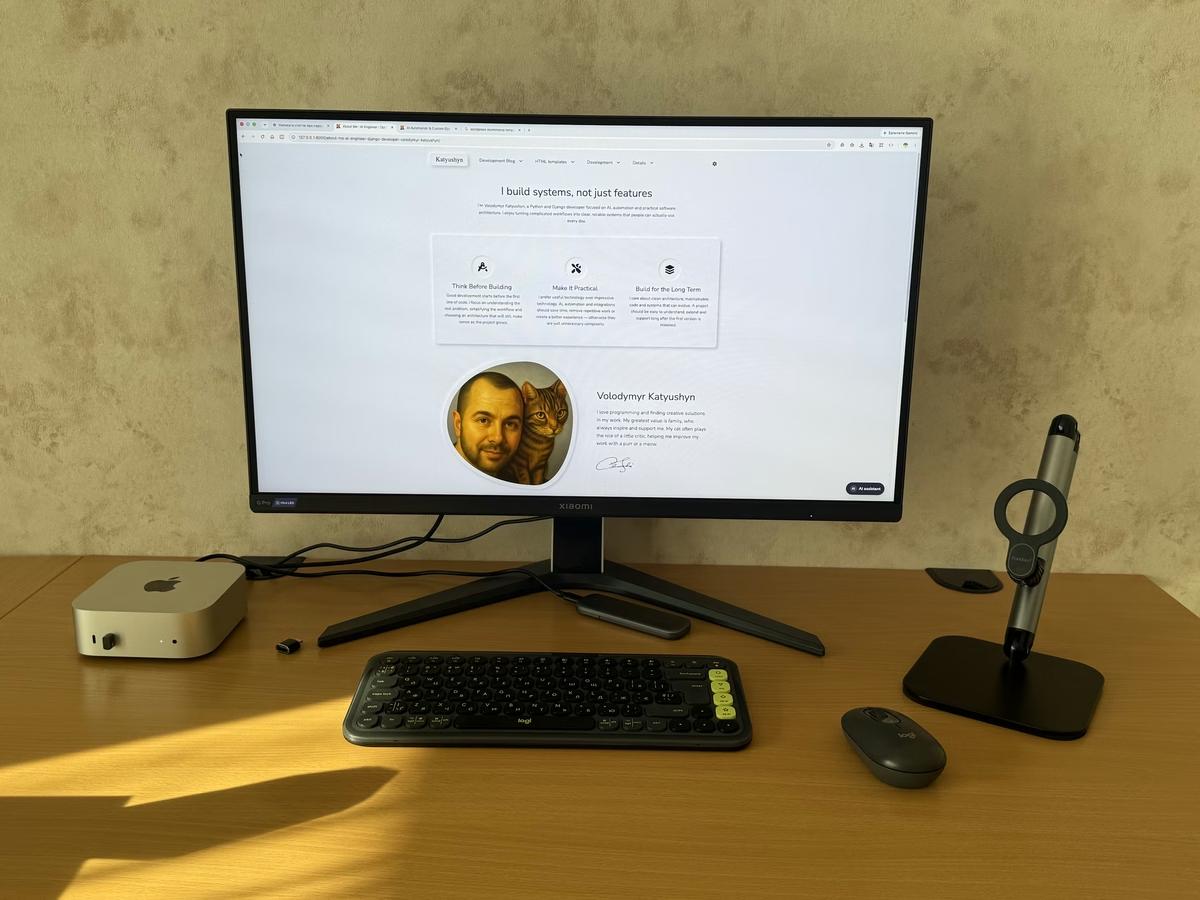
Its performance is more than sufficient for web development. A much more important limitation for me was the 256 GB internal storage. A Linux virtual machine, together with the operating system, server software, project files, database, and other files, gradually takes up quite a lot of space. So I moved the virtual machine image to an external SSD. As a result, macOS and my main applications remain on the Mac mini's internal storage, while the server environment lives separately and does not consume space on the 256 GB SSD. For virtualization, I use Parallels Desktop.
Ubuntu in Five Minutes
For this project, I used Ubuntu 24.04. One of the advantages of Parallels turned out to be its fast standard Linux deployment. I did not spend time manually creating a VM, downloading an ISO, and going through the full operating system installation process. The standard quick deployment allowed me to get Ubuntu up and running in approximately 5 minutes, ready to start working. For this experiment, time matters. I wanted to evaluate not only whether a particular task could be completed with AI, but also how much time passes between starting the work and getting a practical result. So, the first checkpoint:approximately 5 minutes — and a clean Linux environment is ready to use. The VM image is immediately stored on the external SSD, so it does not consume the Mac mini's internal storage.
Why Use a Separate Ubuntu Environment at All?
WordPress can be run without a separate Linux machine. But I deliberately wanted an environment that would be as close as possible to the future server. So inside Ubuntu, I deployed a standard LAMP stack:
This approach makes it possible to work with web server configuration, PHP, file permissions, logs, databases, and SSH almost exactly as they work on real hosting. At the same time, the virtual machine remains isolated from the main system. If an experiment with the configuration goes wrong, it does not turn macOS into a mixture of different PHP versions, servers, databases, and dependencies.
Before Working with Codex, I Defined the Requirements
There is an important point here. I did not give Codex a task like:
Install WordPress for me.
Before starting, I had already defined certain technical requirements for the environment. I knew what server stack I wanted, how the local website should work, which PHP parameters were required, how images should be processed, which limits needed to be changed, and what the final configuration should look like. In other words, Codex did not receive an abstract request to “set up a server,” but a fairly precisely defined technical specification. And in my opinion, this is fundamentally important when working with AI. The more precisely the expected result is described, the less time is later spent correcting what the AI misunderstood.
From a Clean Ubuntu Installation to WordPress in About Two Hours
After Ubuntu was running, most of the work moved to the terminal. With Codex, the entire server stack needed to be prepared. This included:
- updating Ubuntu;
- installing Apache;
- installing and configuring the database;
- creating a database and user for WordPress;
- installing PHP;
- installing the required PHP modules;
- configuring PHP parameters;
- configuring Apache;
- creating a VirtualHost;
- setting up a local domain;
- setting the correct file permissions;
- checking services;
- analyzing logs;
- installing WordPress;
- initially configuring the website.
The correct PHP parameters were also configured for image processing, file uploads, and other operations that the future store would require. Codex could do more than simply suggest commands — it could go through the entire process: check the current state of the system, perform the required actions, and then verify the result. In the end, in approximately two hours, I had deployed more than just LAMP. During that time, I got a working WordPress installation, a local domain, and the theme for the future store installed.
Flatsome as the Foundation of the Store
For this project, I chose Flatsome. It is a popular WordPress theme designed primarily for WooCommerce stores. So after installing WordPress, the task did not end with simply activating the theme. Flatsome needed to be prepared specifically for the future website. And this is where the next interesting stage of working with Codex began. Instead of manually going through dozens of options in WordPress Admin, I described the result I wanted to achieve, while Codex handled the technical part of the work.
A Few More Hours — and the Demo Site Had Already Become the Foundation of the Store
After deploying the server and WordPress, I moved on to the basic structure of the website itself. This took another few hours. I defined what needed to be done, and Codex carried out the tasks. For example:
- create the required catalog structure;
- configure the main WordPress settings;
- prepare the blog structure;
- define the basic store settings;
- remove unnecessary Flatsome blocks;
- remove some of the demo data;
- keep the demo content elements that could be useful;
- remove unnecessary pages;
- prepare the main elements of the future website structure.
This was already a completely different kind of work from installing Linux packages. In practice, I started working more like someone who describes the required result rather than a WordPress operator manually clicking through dozens of options in the admin panel. I told Codex what needed to be changed. It did it. I checked the result and gave it the next task.
After 4–5 Hours, the Basic Store Structure Was Ready
If we count from the moment I started working, the timeline looked approximately like this:
As a result, approximately 4–5 hours after starting, I no longer had just a clean Ubuntu installation or even an empty WordPress site. It was a ready technical foundation for an online store that could now be filled with real products, categories, texts, and images. For me, this is one of the most important numbers in this experiment.
The Next Day, the Website Was Already on the Hosting Server
I did not want to keep the result of the work exclusively on the local machine. There is another practical reason to have a working version of the project online as early as possible — the client can see the development process. So the very next day, I prepared SSH access on the hosting server and gave Codex the next task: move the current project from the local environment to the server. Again, the website migration process consists of a whole set of small operations:transfer the files, transfer the database, check the configuration, change the URLs, configure permissions, verify the web server, and make sure the website behaves the same way after migration as it did locally. This is work that can be done manually. But Codex performs this kind of operation very quickly. As a result, even at an early stage of development, I had both a local working environment — for development;and a version on the hosting server — for showing the current result to the client.
Why I Didn't Use Git
In this project, I deliberately chose not to make Git a central part of the development process. Git is indispensable in team development, when several developers are changing the same project in parallel and branches, merges, code reviews, and work synchronization are required. But this experiment follows a different model. With Codex, I can handle a much larger amount of work independently. For this particular project, I do not need constant collaborative development. So the main working copy of the project is stored locally. But not using Git in this scenario does not mean giving up backups. Quite the opposite.
Local Development Without Git Requires Proper Backups
If the local machine becomes the primary development environment, backing up the project is essential. Especially when Codex has the ability to actively modify files and configuration. So for me, part of this workflow is a separate external drive for backups. In practice, there are several layers:
This allows me to actively experiment with automation without depending on a single drive or a single copy of the project.
Another Important Thing — Automated Tests
The more work is delegated to AI, the more important automated verification of the result becomes. So for additional functionality, Codex not only writes code but also creates tests. For example, if custom logic is added to standard WordPress/WooCommerce functionality, after the next change I need to be sure that the existing functionality has not stopped working. Without tests, this often means manual verification:open the page, perform an action, check the result, go through another scenario, make sure the previous feature has not broken. And repeat this after every significant change. With automated tests, part of this work can be completed in seconds. Codex makes a change, runs the relevant tests, detects an error if something has been broken, and can immediately move on to fixing it. This becomes especially important not during the first week of the website's existence, but later, when the project has accumulated dozens of custom modifications.
Tests Also Speed Up Future Deployments
Automated tests change another part of the process — publishing future changes. When a client asks to modify functionality that is already working, the main risk is not only whether the new feature will work. You also need to make sure that it has not broken what was already working. So the workflow gradually becomes:task → Codex changes → tests → local verification → deployment to the server → final verification. The more functionality is covered by tests, the faster and more confidently future changes can be made. For long-term project maintenance, this may prove even more important than the speed of the initial code generation.
What Codex Is Actually Doing in This Experiment
After this stage, it is difficult for me to describe Codex as simply a tool for writing code. Within a single project, it has already helped me:
- work with Ubuntu;
- deploy LAMP;
- configure Apache;
- configure PHP;
- work with the database;
- install WordPress;
- configure a local domain;
- prepare Flatsome;
- clean up and rebuild the WordPress structure;
- move the project to the hosting server via SSH;
- create additional functionality;
- write automated tests for it;
- verify changes before the next deployment.
And my role is gradually shifting from performing every technical operation myself to defining requirements, controlling the architecture, and verifying the result.
4–5 Hours from a Clean Ubuntu Installation to the Foundation of a Real Store
Time itself became one of the most interesting results of the first stage for me. Approximately five minutes after starting, I had Ubuntu running. Approximately two hours later — a configured server, local domain, WordPress, and Flatsome. After 4–5 hours — a cleaned-up and configured foundation for the future online store, ready to be filled with content. The next day — a working copy on the hosting server that could already be shown to the client. Of course, Codex does not eliminate the need to understand Linux, WordPress, server configuration, or the logic of web development itself. Quite the opposite: to define the task correctly and evaluate the result, you need to understand what exactly needs to be done. But it radically reduces the amount of manual technical work between defining a task and getting a finished result. And for me, that is far more interesting than simply being able to ask AI:
Write me a PHP function.
In this project, I want to test something different:how far a single developer with a properly organized AI toolset can go along a path that previously required significantly more of their own time or the involvement of several specialists. The first result — 4–5 hours from a clean virtual machine to a ready foundation for an online store. And this is where the most interesting part begins: products, catalog structure, custom functionality, automation, tests, and the gradual transformation of this foundation into a fully functional online store.
This article is based on my own practical experience, real-world projects, and lessons learned along the way. I share approaches and solutions that I have personally used, tested, or explored in my work.