01PAGES
Refresh a service page
«Rewrite the introduction in simpler language and keep the key benefits.»
Edit page text and headings while preserving the agreed structure.
I build your WordPress website and install and configure Codex, an AI agent for working with its content. Once connected, you can update supported content by chatting naturally, much like with ChatGPT, without opening the admin panel for those tasks.
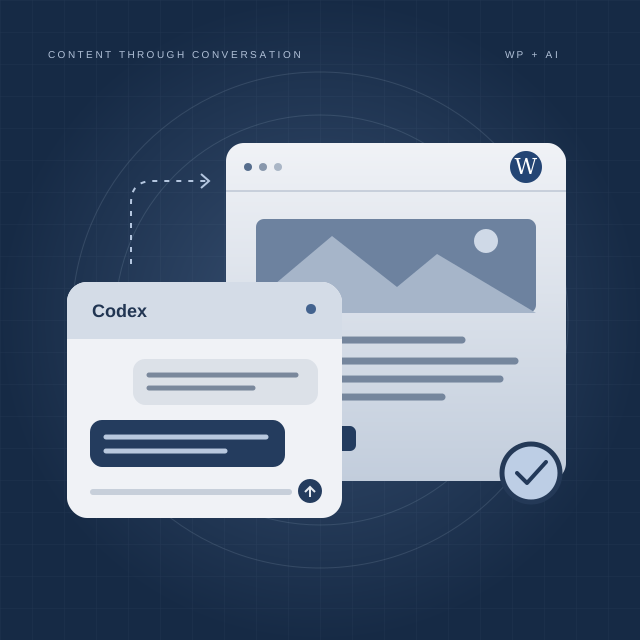
Imagine you need to refresh a service page. Tell Codex what should change, review the proposed text and ask it to apply the agreed update to the connected site.
Illustrative scenario, not a live chat or a screenshot of Codex.
On the Services page, change the consultation price to UAH 1,500 and add that it lasts 60 minutes. Show me the text first.
The agent reads the available page content and proposes an update to the relevant section.
Make the wording shorter. Yes, this version works — update the page.
Codex applies the approved change through the configured connection and checks the result. You can open the page to review it.
We configure the actions you actually need. These examples show the kinds of requests your connected agent can handle within the agreed scope.
«Rewrite the introduction in simpler language and keep the key benefits.»
«Turn these notes into a blog post and save it as a draft.»
«Update our opening hours on the contact page using this schedule.»
«Replace the image in this article with the file I provided and add a descriptive alt text.»
«Shorten this page, remove repetition and keep our tone of voice.»
«Find the posts about this service and suggest more consistent categories.»
Available actions depend on your theme, plugins, content fields and access permissions. We confirm them during setup; complex page builders and custom fields may need additional integration.
You get a WordPress website and a configured working environment for Codex. The agent connects to your site with the tools and permissions needed for the agreed content tasks.
Responsive pages, clear navigation, content structure and the functions agreed for your business.
Codex installation and setup, a connection to WordPress, and instructions reflecting your site structure and writing style.
Tested content scenarios, examples of useful requests and a walkthrough so you can make everyday changes yourself.
Agree the pages, content types and edits you want to manage through conversation.
Develop the website or assess your existing WordPress, then configure Codex and its connection.
Test drafts, updates and publication, with suitable access limits and a recovery approach.
Practice on real examples and hand over instructions for the agreed daily tasks.
Yes, for the operations we connect and test. You describe the task to Codex, review the change and ask the agent to apply it. The admin panel remains available for other work.
This setup is a working assistant for the site owner: Codex operates on connected content. A visitor-facing chatbot is a separate feature that we can discuss if needed.
No. The conversational experience is familiar, but site changes require a configured Codex connection and authorized access. I set up and test that connection for your project.
Often, yes. I first check the theme, plugins, content structure and available access, then confirm which operations can be supported and what needs extra work.
You do. We set up a draft or review step before publication and define the operations the agent may perform. You remain responsible for checking facts, prices and final wording.
Website development, agent setup and the agreed integrations are estimated for your project. Hosting, paid plugins and any required Codex or API usage are discussed separately before work starts.
Need a new WordPress website or an easier way to update your existing one? Tell me which content you change most often. We will build a workflow around those tasks.
Discuss WordPress + Codex ↗KATYUSHYN · WORDPRESS & AI WORKFLOWS